Stelline 1.6: iPad, what-if marks, and a lesson for every idea
Stelline 1.6 is on the App Store.
iPad. The same game, with the board beside its controls in landscape and two columns on Home. A keyboard and a trackpad or mouse work on the board, Apple Pencil hover tints the cell, and 1-queen boards go up to 12×12. The iPad app also runs on Apple-silicon Macs.
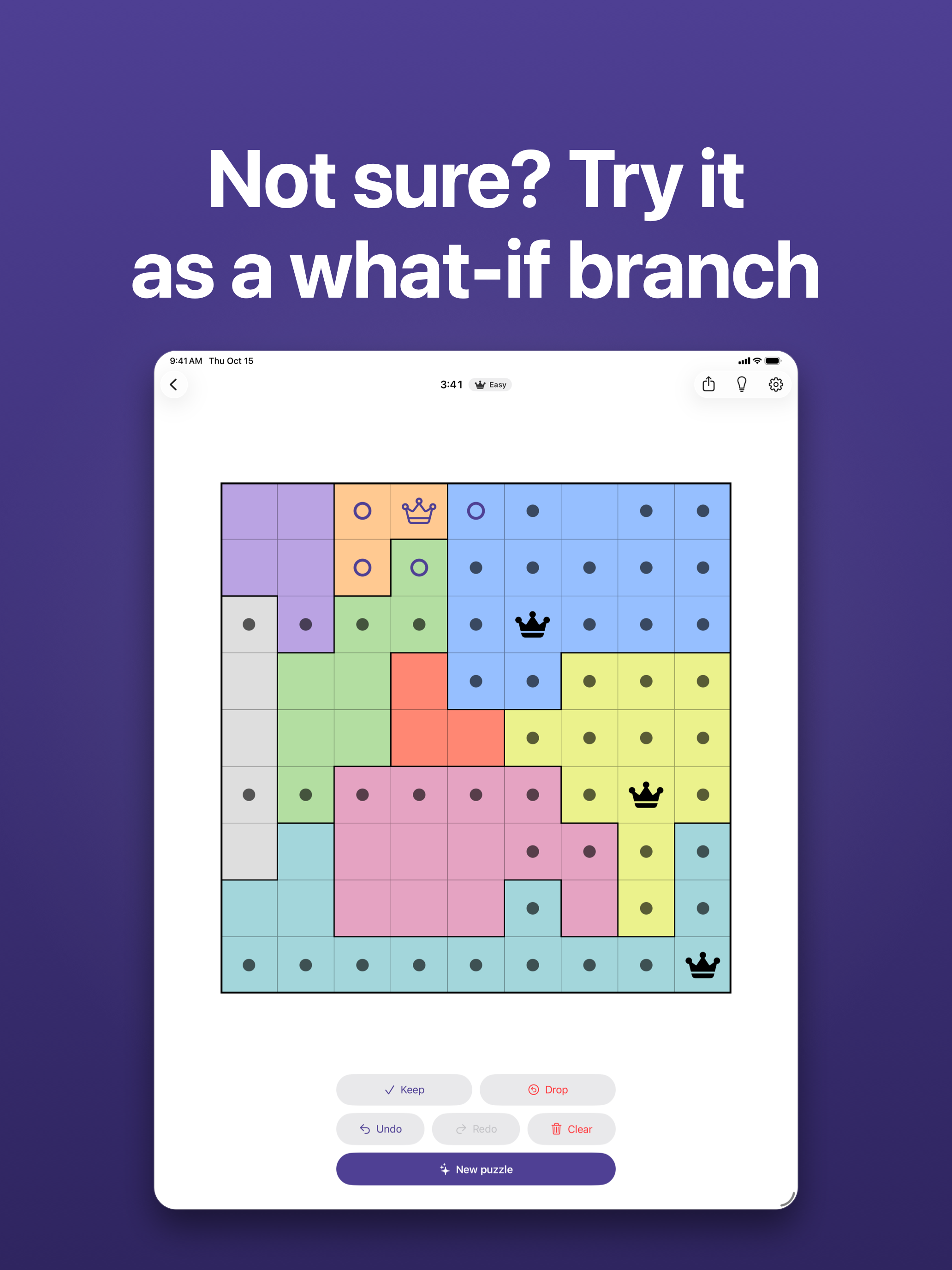
What-if marks. Not sure about a move? Settings → What-if marks adds a What if? button to the board. Marks made in the branch are drawn hollow; Keep makes them firm, Drop removes them all in one step. Off by default.
Learn, expanded. Techniques: one lesson per idea of the solver, from last cells to X-wings, each explained on a real position and tried on a second one, then practice on fresh positions keyed on that idea. Advanced: squeezes, set differences, fish and the what-if step.
Smaller things. Compete shows the last week of earlier boards, with the rest under Earlier days. The hints for fish, finned counts and squeezes now say where to look instead of defining the idea.
Both came from your posts on this board: thank you.
Stelline for Android 1.6 is on Google Play the same week: tablets and Chromebooks, the what-if marks, the lessons, and everything since 1.0: Tactics, Daily Rush, optional leaderboards and Stats.
1.6.1 (17 October): Learn this on the hint banner and in the Tactics review opens the lesson behind the idea they name; a sheet of common two-star shapes under Learn; on a Mac, a menu bar with shortcuts, and the same shortcuts on an iPad with a keyboard.